Skip to content
EandM_Blog_Logo

sick logo 2

SICK Safety Designer at a Glance

Free Intuitive Configuration Software for Safety Products from SICK

Benefits 

  • With just one tool, you can intuitively configure complete safety solutions, from simple to networked applications

  • Implement individual applications in compliance with standards

  • Take advantage of the reliable, detailed documentation

  • Reduce unplanned downtime thanks to sophisticated diagnostic functions

  • Comply with global safety standards by easily implementing safety functions
IM0103650

Features

All data monitored
  • Process-oriented, intuitive step-by-step configuration for many SICK safety products

  • Verification and reporting – for each device individually or for the entire project

  • Comprehensive diagnostics including data recorder

  • Compliance with established global safety standards

Advantages-SICK Safety Designer

A software for safety applications

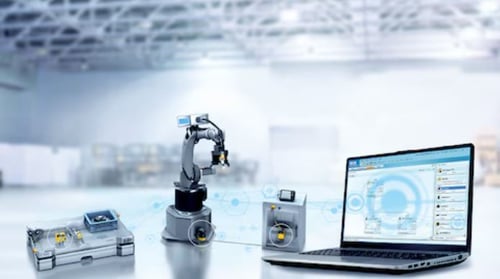
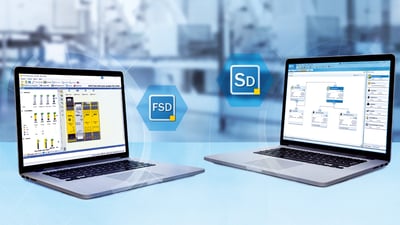
With the Safety Designer configuration software, you can link numerous safety products and configure them in compliance with standards. For instance, you can configure a single sensor and connect it to other sensors in your system. With the software, you can design a complete project consisting of safety controller and certified function blocks.
 
 
sick safety designer 1

Extensive device catalog

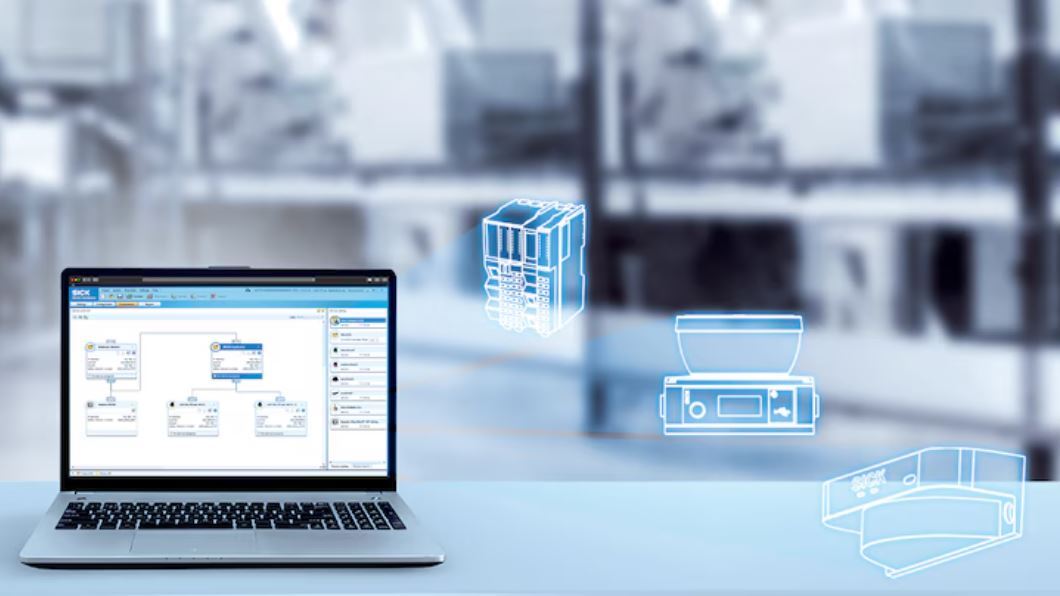
You will find almost all configurable safety products from SICK in the main window of the Safety Designer software. Simply drag these products into your project and configure the individual product in the uniform user interface of the device window.
 
sick safety designer 2

Linking safety components made easy

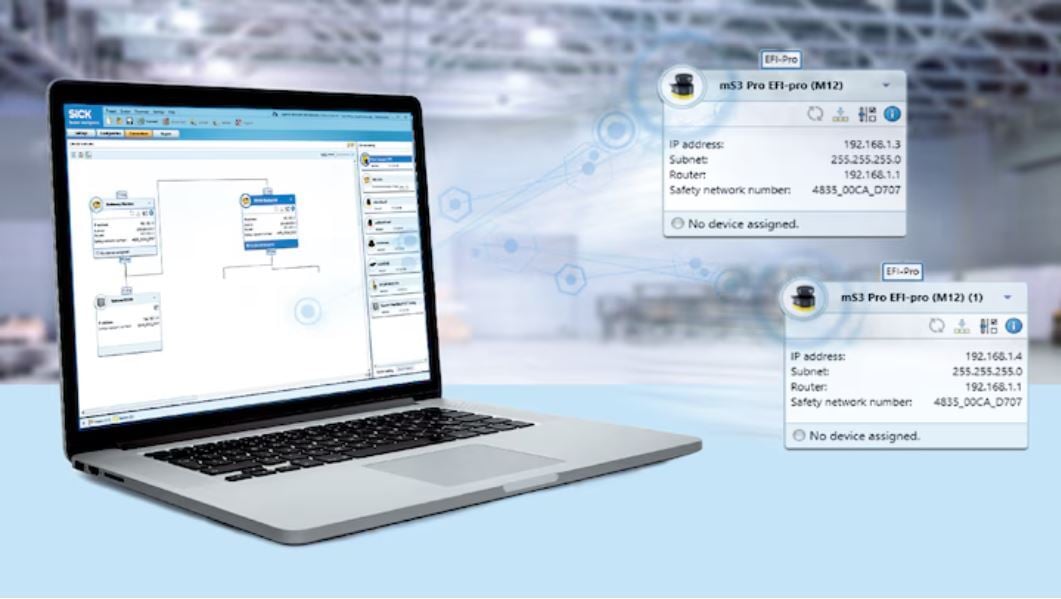
In the “Networking” dialog box, you connect safety components to each other. This allows you to configure extensive projects with certified function blocks in just one software.
 

Expertise taken one step further

Clear and simple: Safety Designer is a comprehensive configuration software for safety products from SICK with a clear user interface. The software is particularly impressive due to its simple user guidance. The software makes it easy to manage configuration parameters and sensor data.
 
high image quality
sensingcam photo
easy installation

Intuitive via
drag and drop

Safety Designer uses drag-and-drop function blocks to create networking connections between sensors, and to build safety logic in controllers. This makes building safety programs a visual, easy-to-understand process. 


Legal compliance
verified

Safety programs can go through a live simulation to ensure correct logic and operation. Verification of your safety programs with Safety Designer will comply with global safety standards.


Monitoring down to the last detail

Safety Designer provides diagnostic monitoring capabilities and data recorder for your configured sensors and programs. This means you can monitor and record all the data from the safety products in your application in real time.


Configurations monitored at a glance
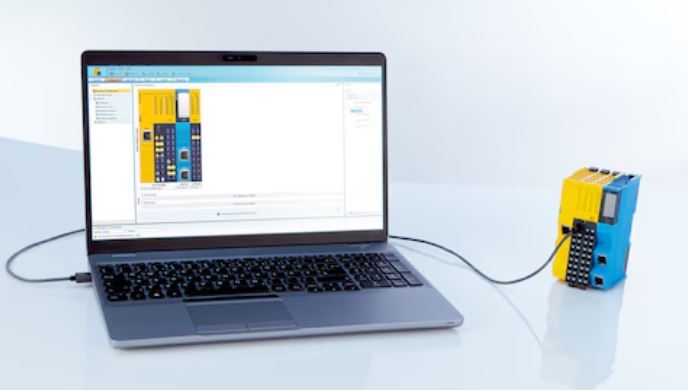
Are you looking for a simple solution to configure and combine safety functions on your machine? With the Safety Designer configuration software you can plan, configure and diagnose all types of safety applications. The logic editor provides you with advanced functionalities in the system configuration.
 
Reliably control applications
Safe movements at a glance
All data monitored

Reliably control applications

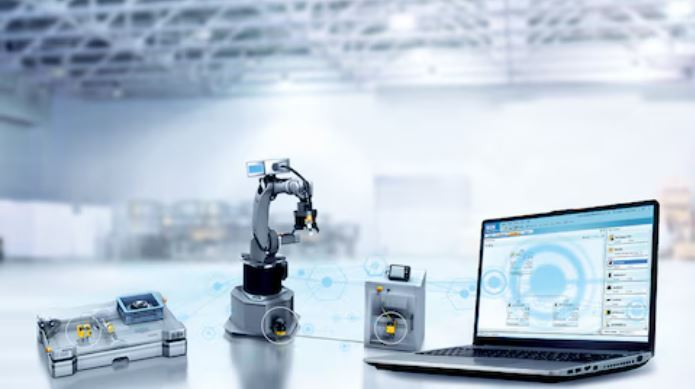
Safety controllers monitor the safety of your machine. In the Safety Designer software, you will find numerous safety sensors for the project planning of machine concepts, which later ensure reliable machine monitoring. With the help of the software, the sensors can be configured individually or together.
 

Safe movements at a glance

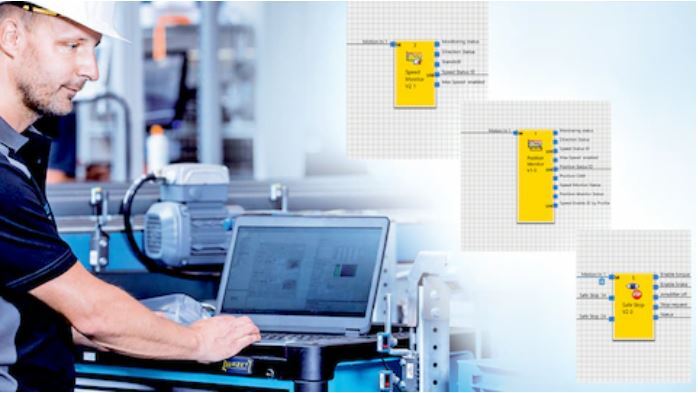
Safety Designer solves even demanding applications easily. Thanks to predefined and preconfigured function blocks, even drive safety functions can be made a reality. Safety encoders can also be configured with Safety Designer.


All data monitored

Safety Designer visualizes all data in the system. With just one tool, you can, for instance, check the complex system behavior of several safety laser scanners and the safety controller that are connected via Safe EFI-pro.


Ready to Try the SICK Safety Designer?

Your search for the perfect solution is over. See all the SICK Safety Designer can do.